01
The editor
Format your text. Keep it in Markdown.
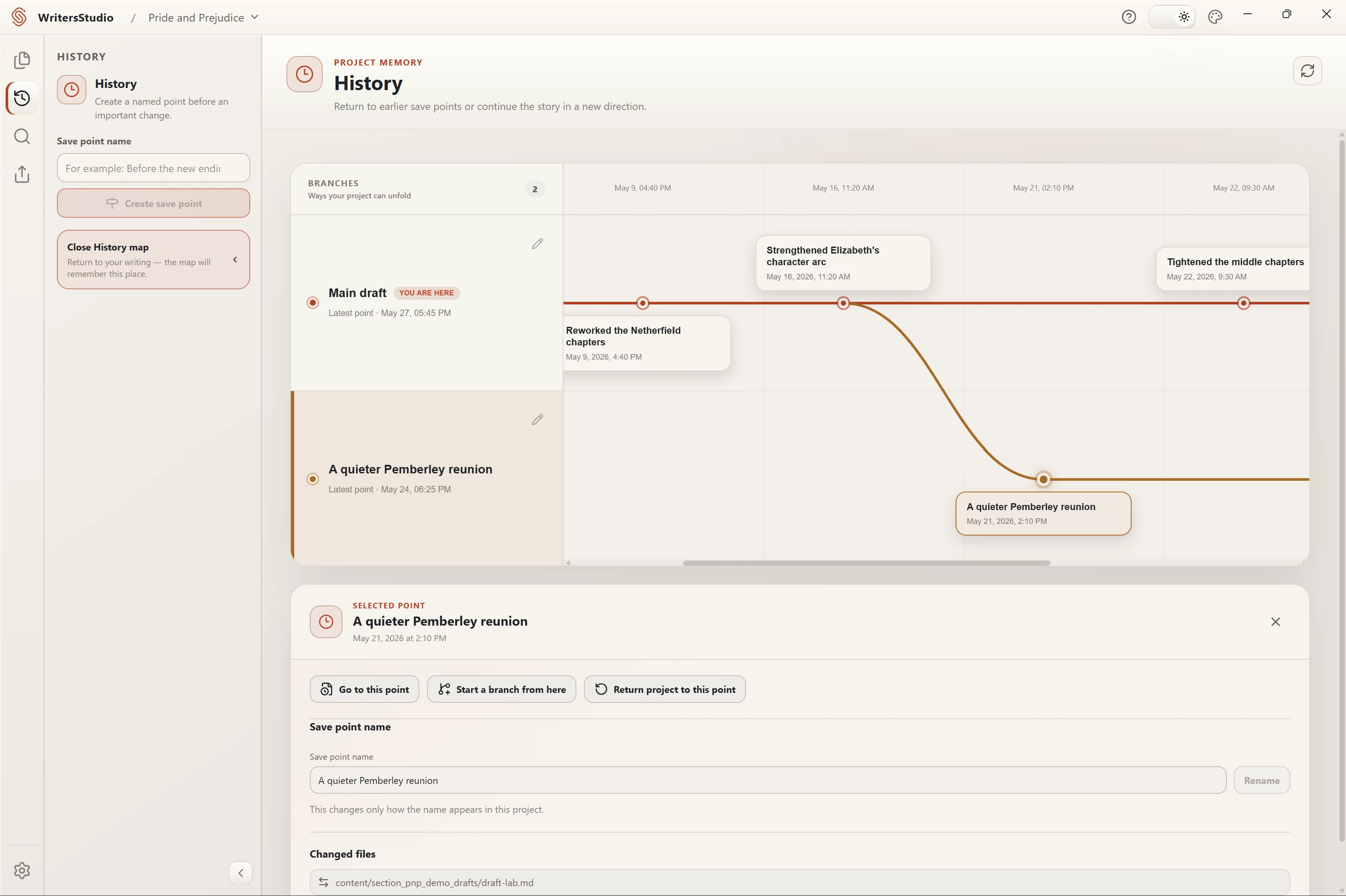
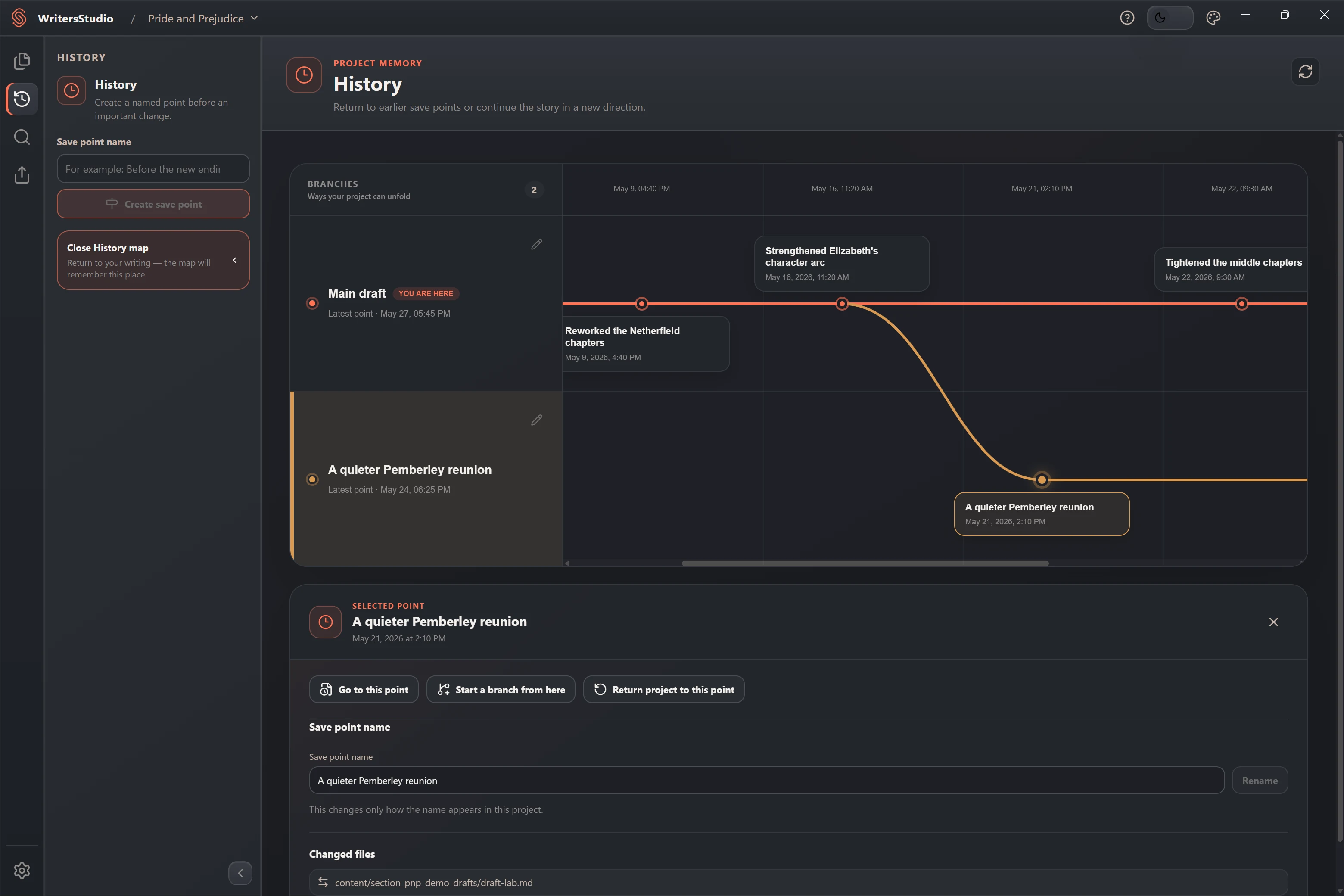
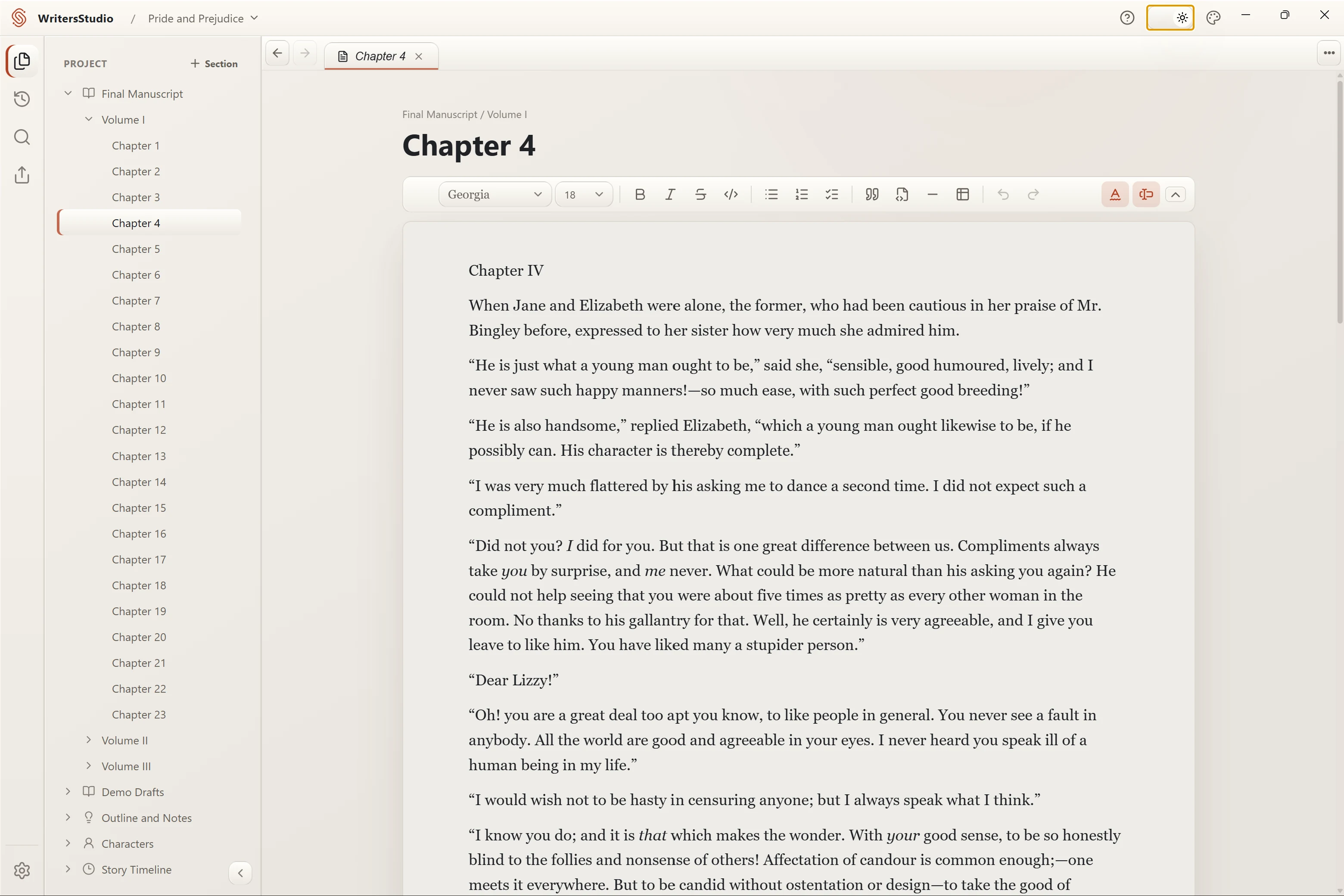
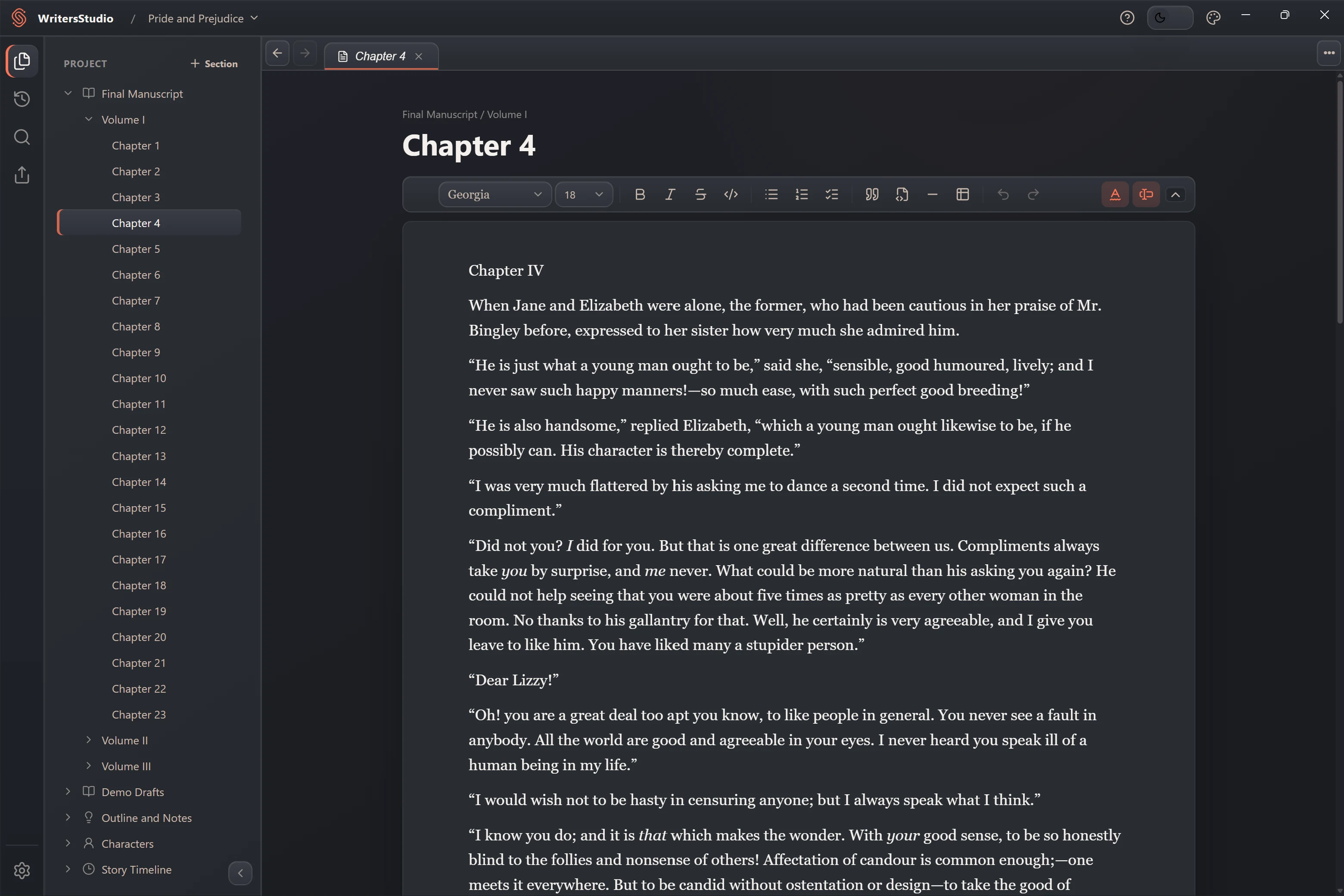
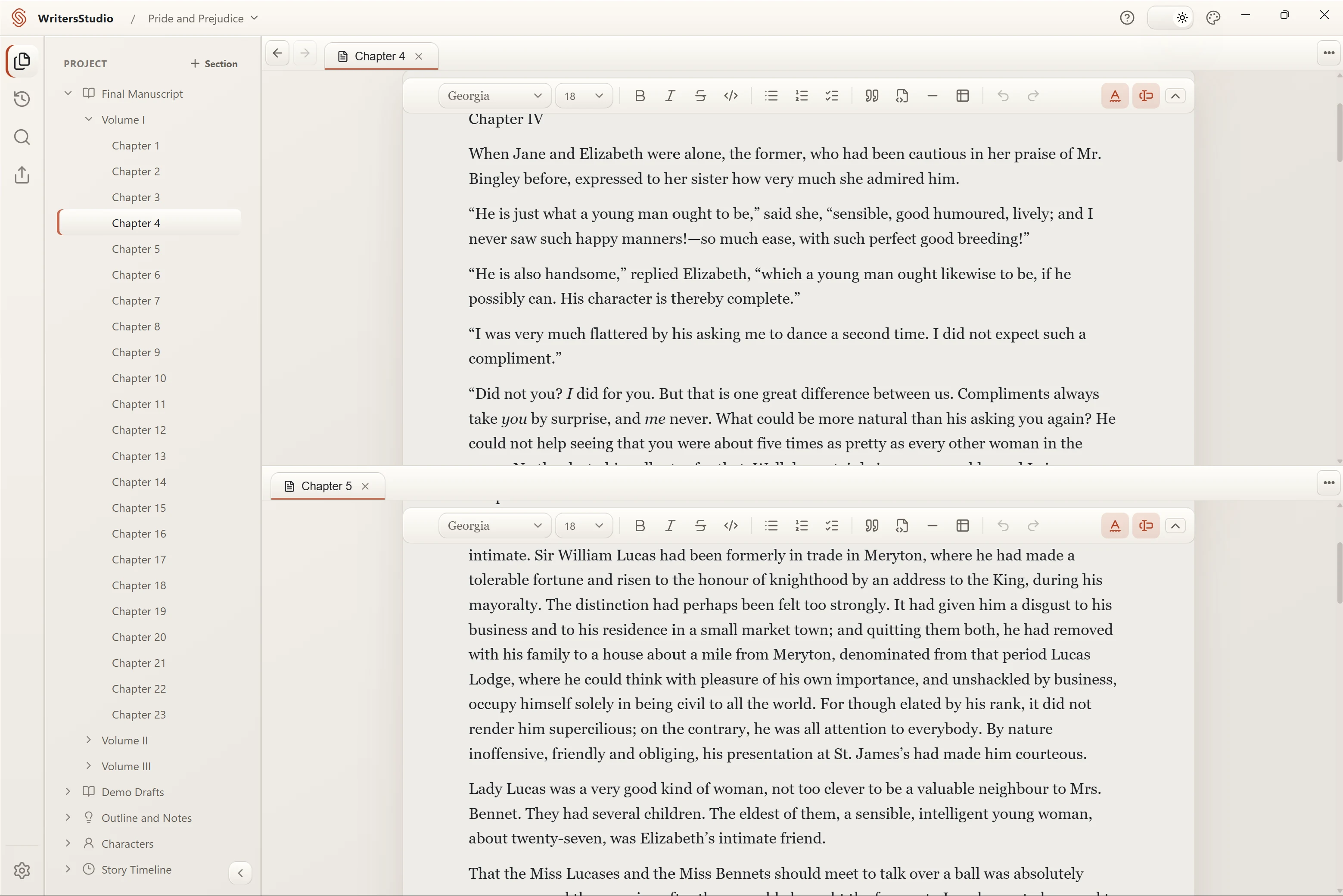
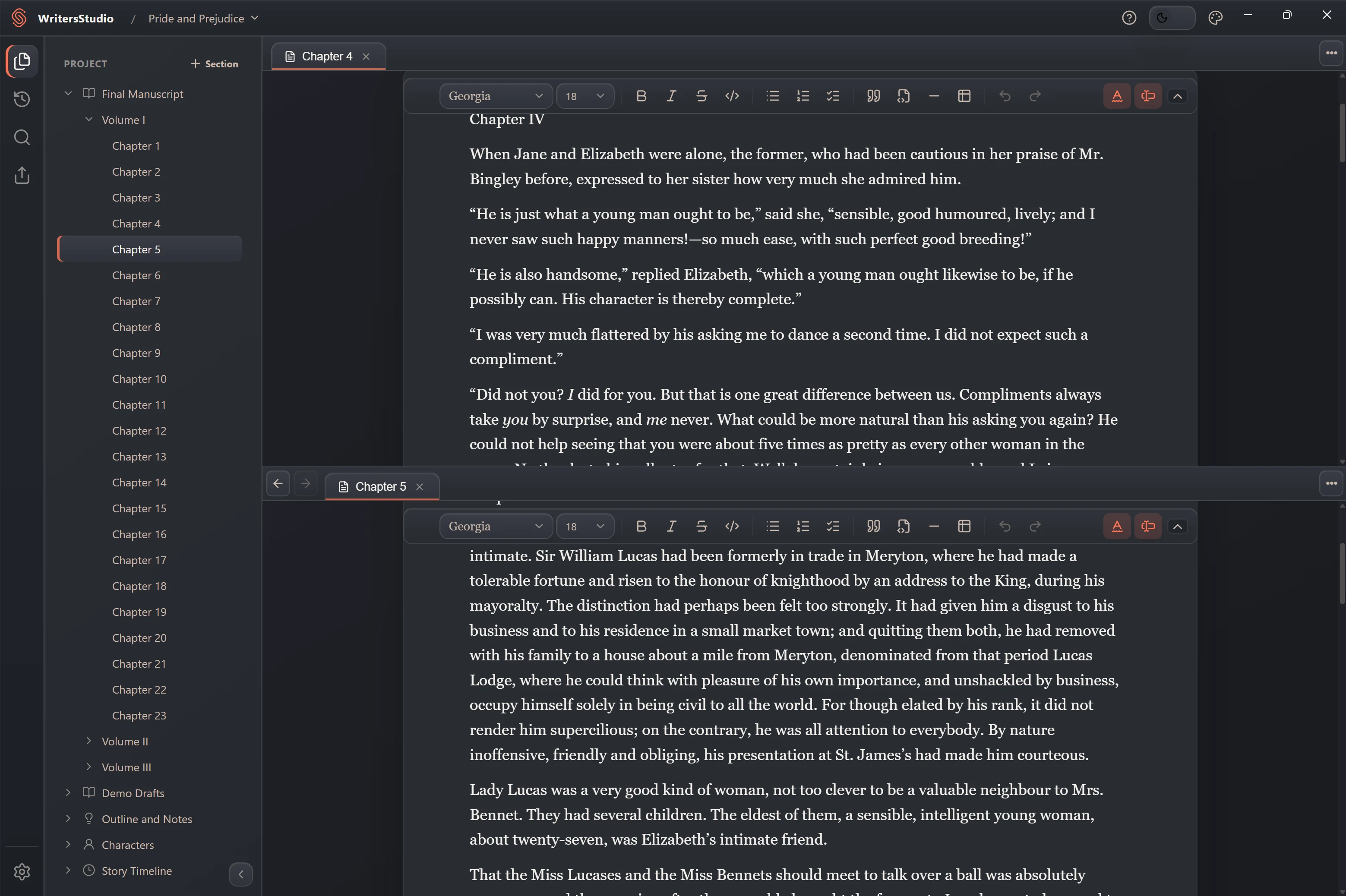
Write and format the manuscript without looking at markup. Open several pages in tabs, split the workspace, and search across the whole project.
- Visual Markdown editing
- Tabs and split views
- Project-wide search
02
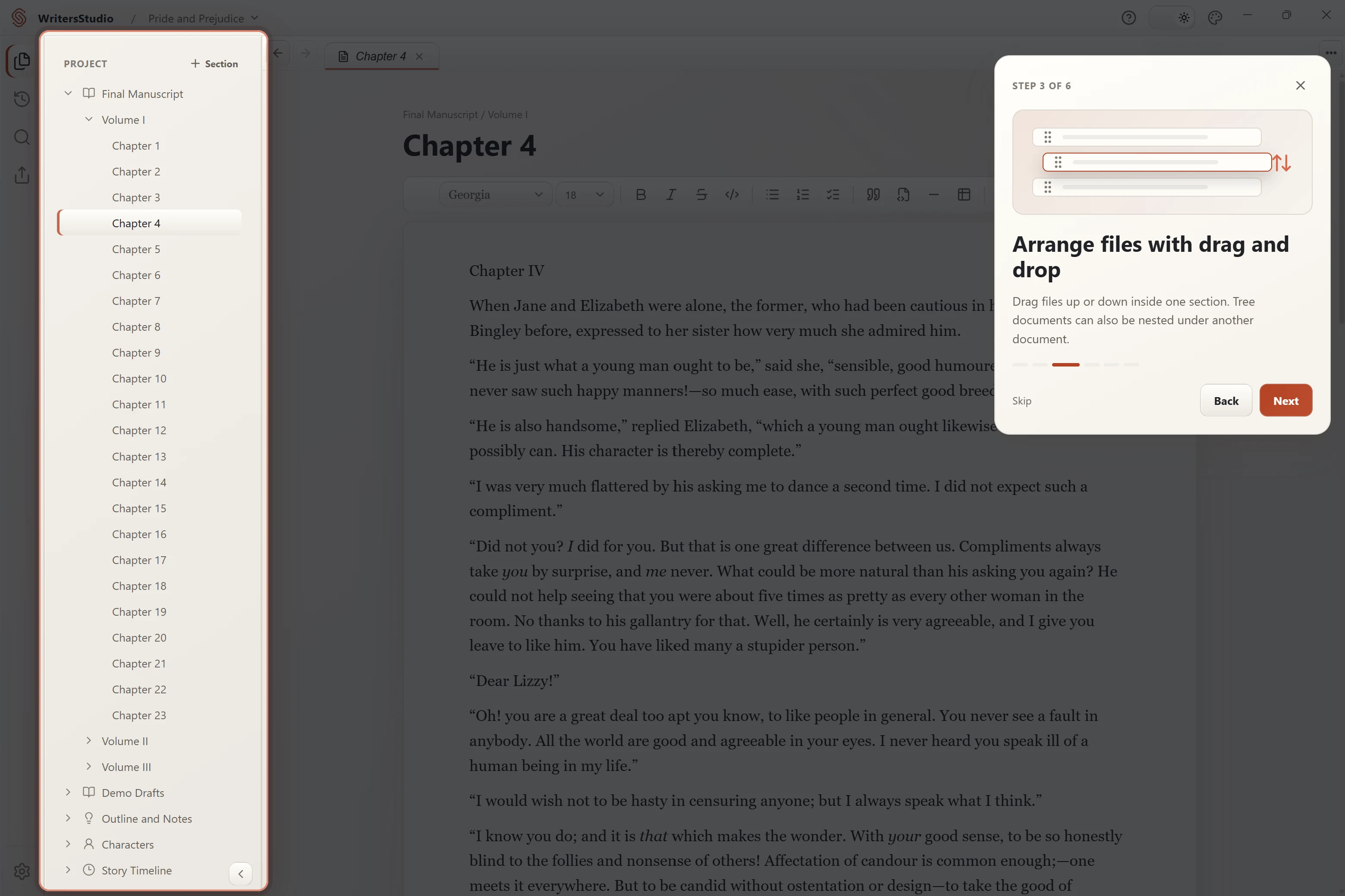
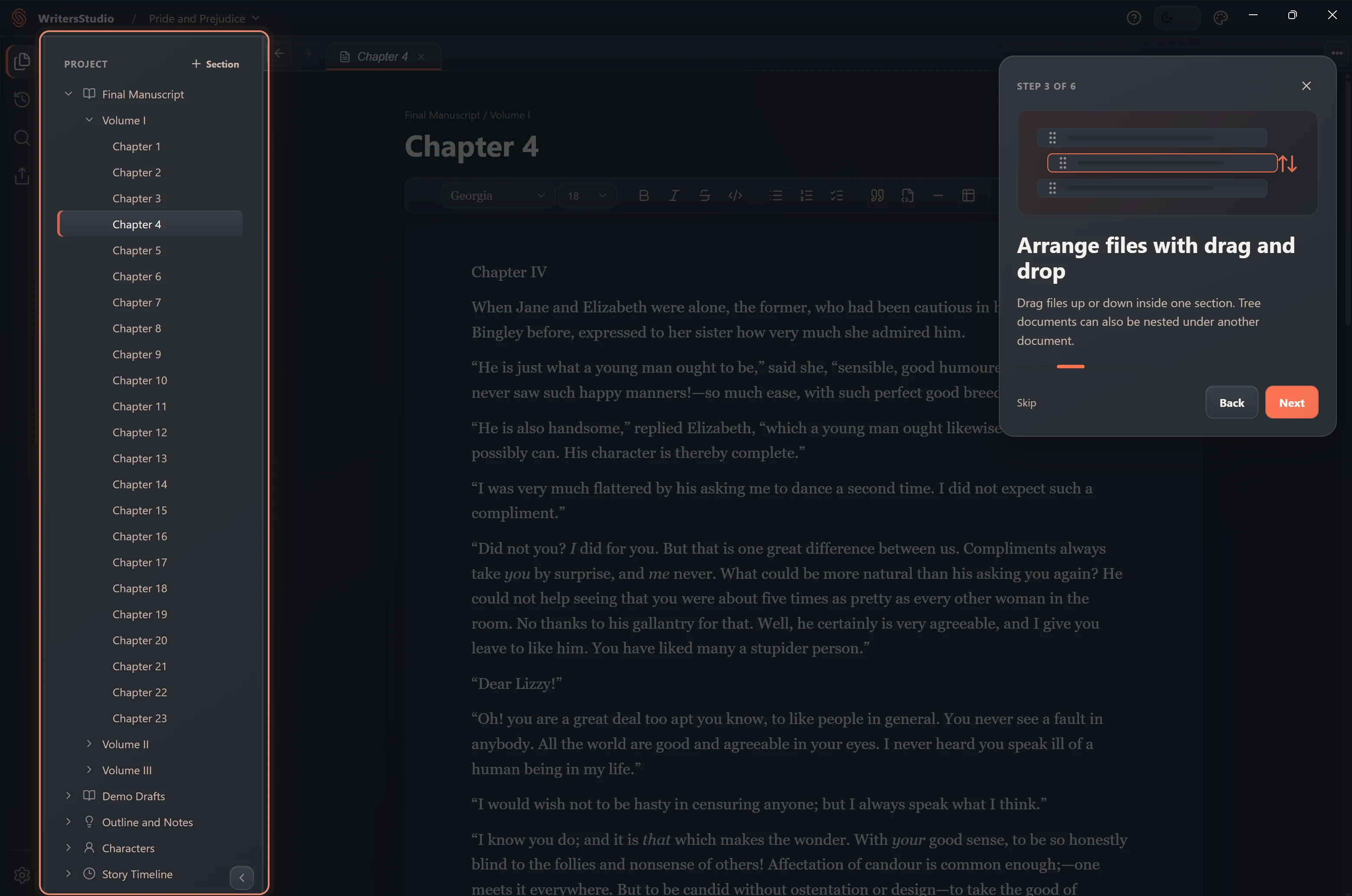
The project tree
Folders and pages in the order you need.
Use sections for volumes, chapters, research, loose scenes, or anything else. Drag pages into place and change the structure as the book changes.
- Flexible sections and pages
- Drag-and-drop project tree
- Notes next to the draft
03
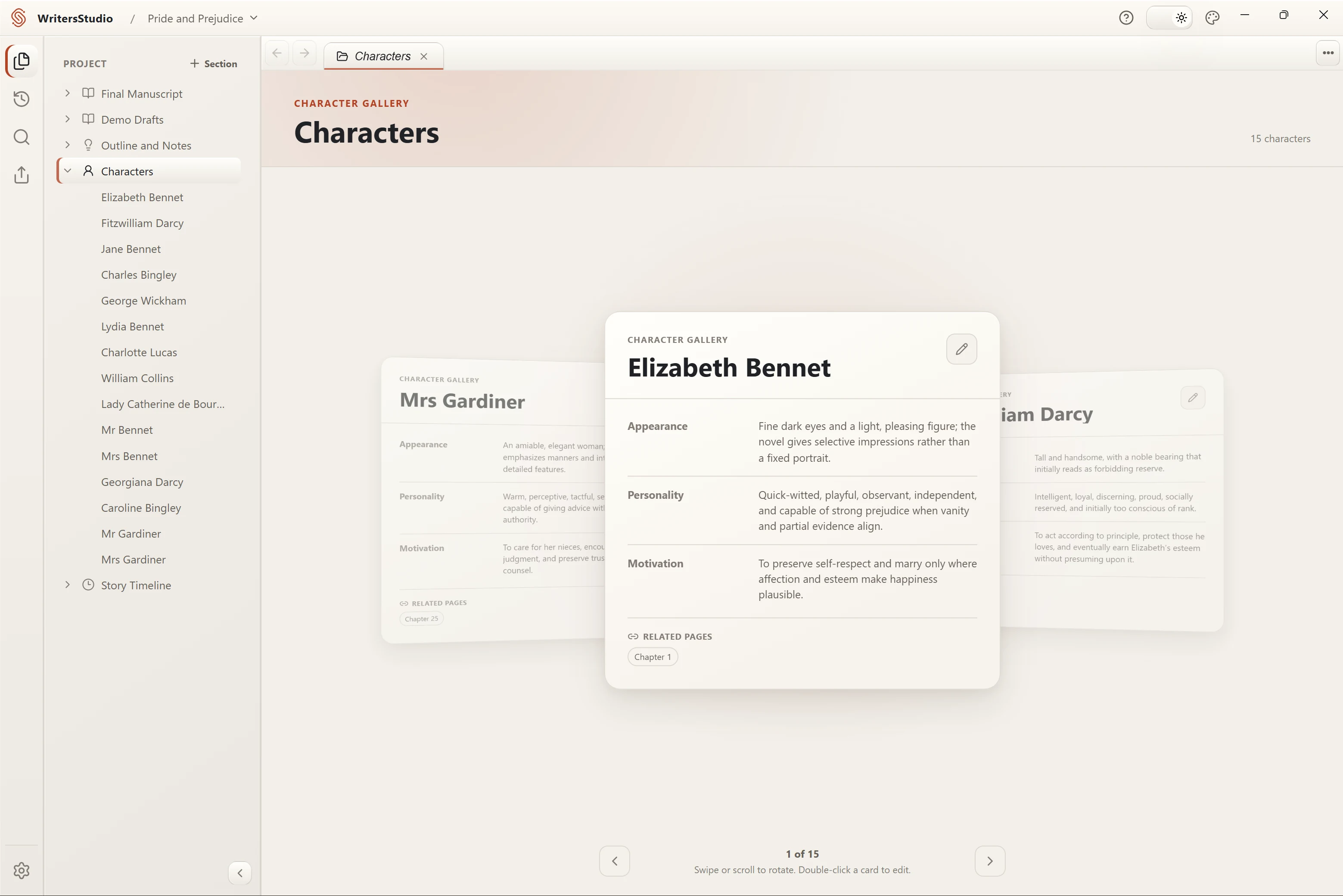
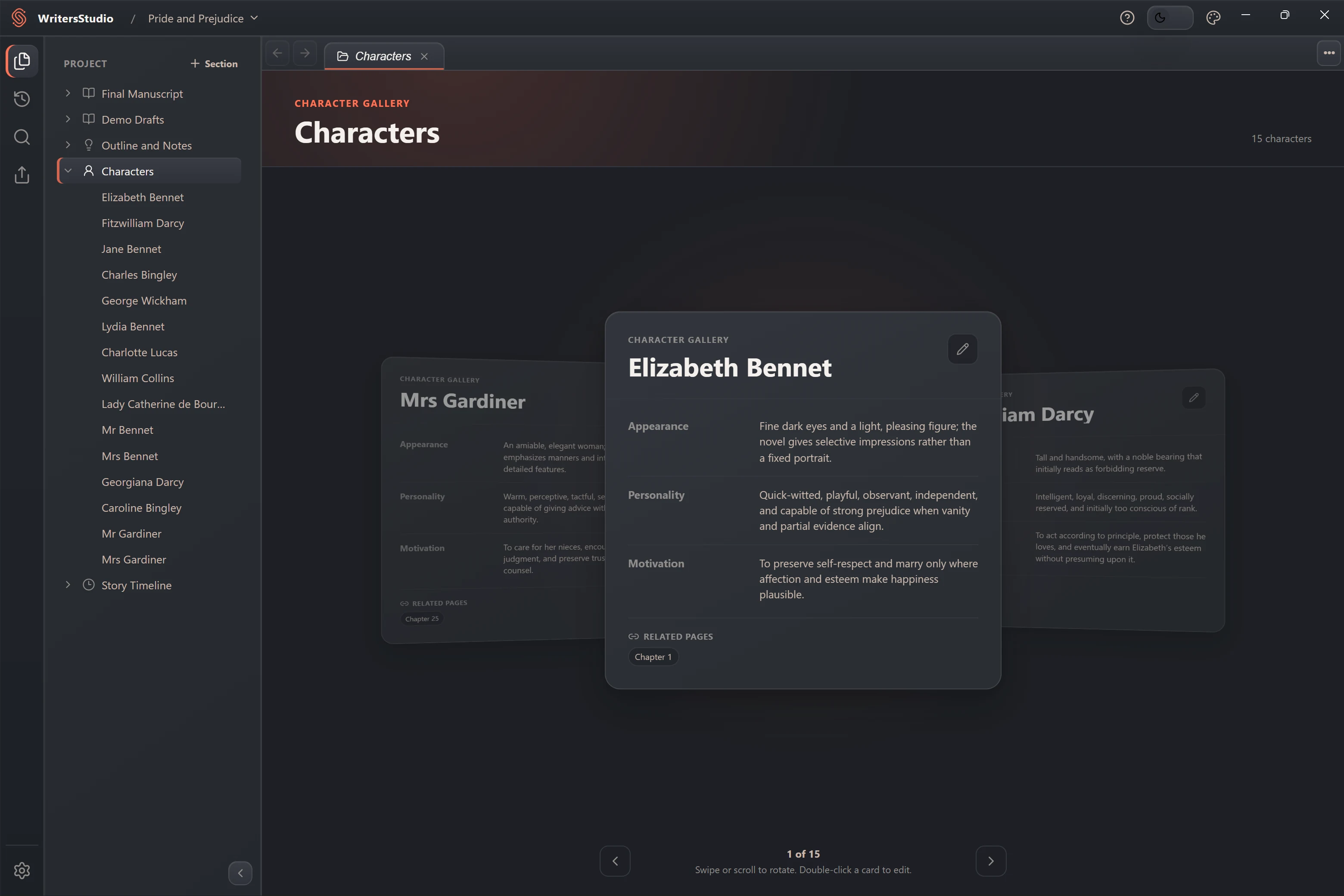
Characters
Character profiles with the details you need.
Add only the fields you need, keep portraits and notes together, and link a character to the manuscript pages where they appear.
- Custom character fields
- Related-page links
- Fast gallery navigation
04
Timeline
See what happens when—and where it leads.
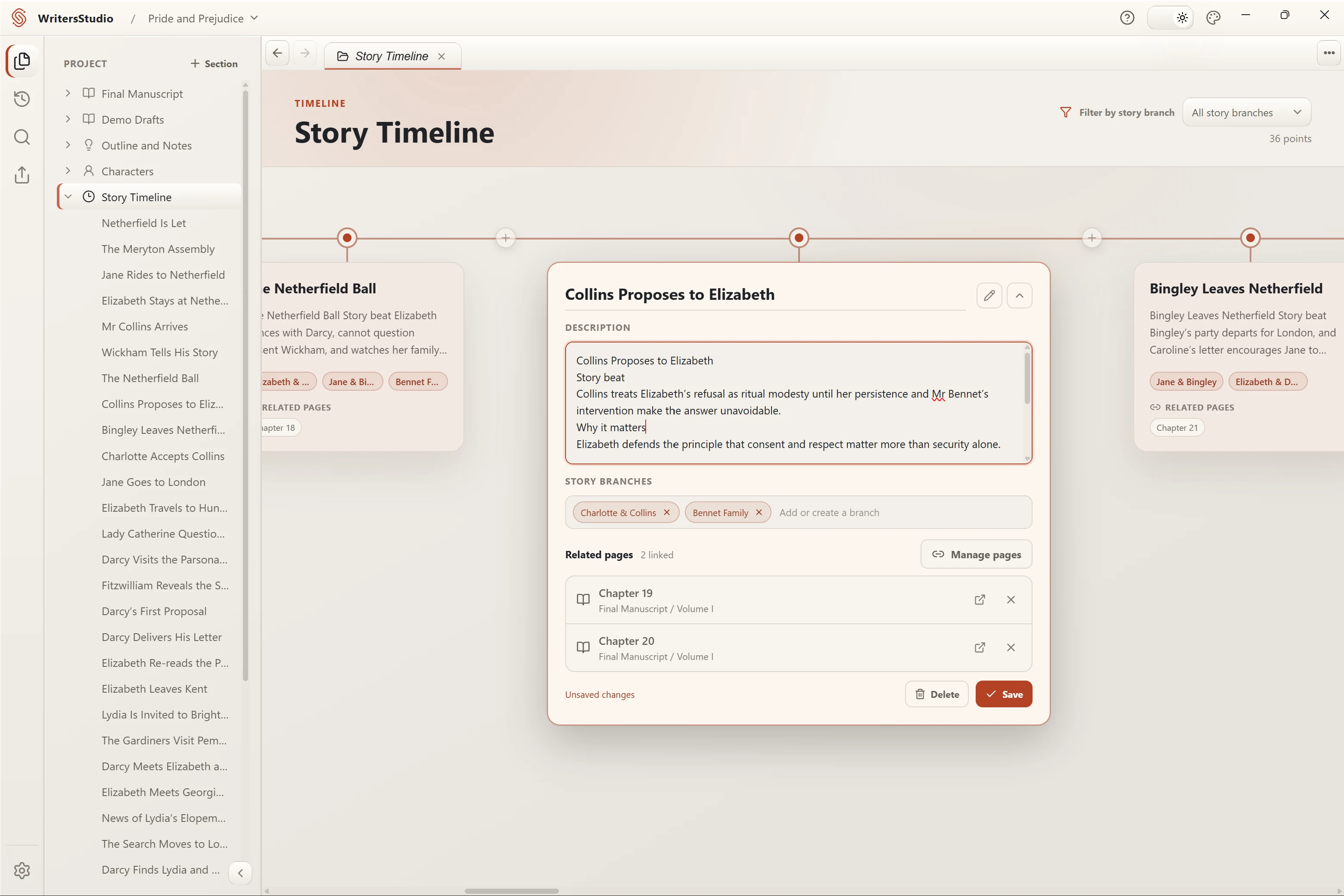
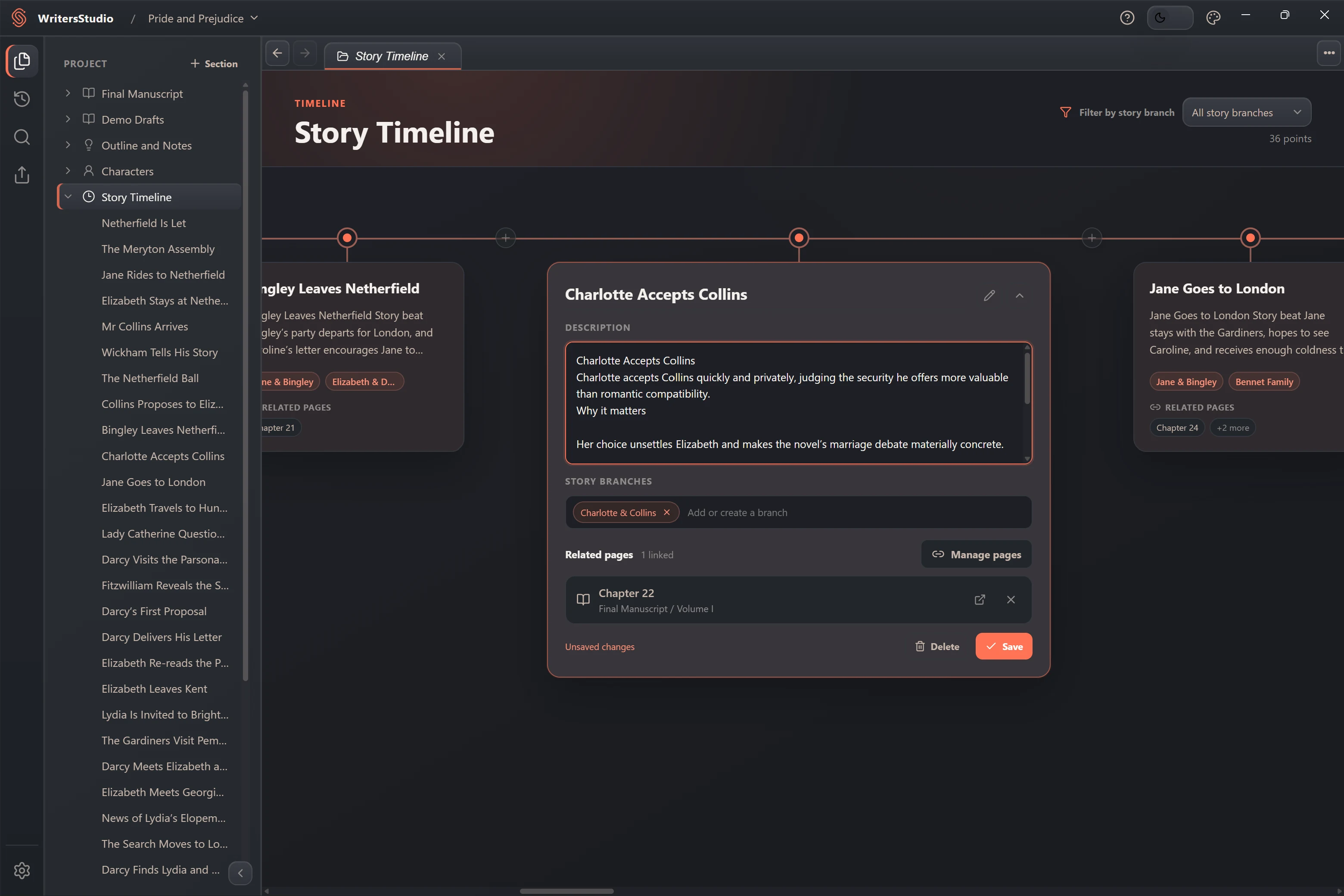
Place events in story order, filter them by narrative thread, and open the related manuscript page directly from the timeline.
- Visual event timeline
- Narrative-thread filters
- Links back to the manuscript