Autosaves and version history, built in

Write the book.
Keep every draft.

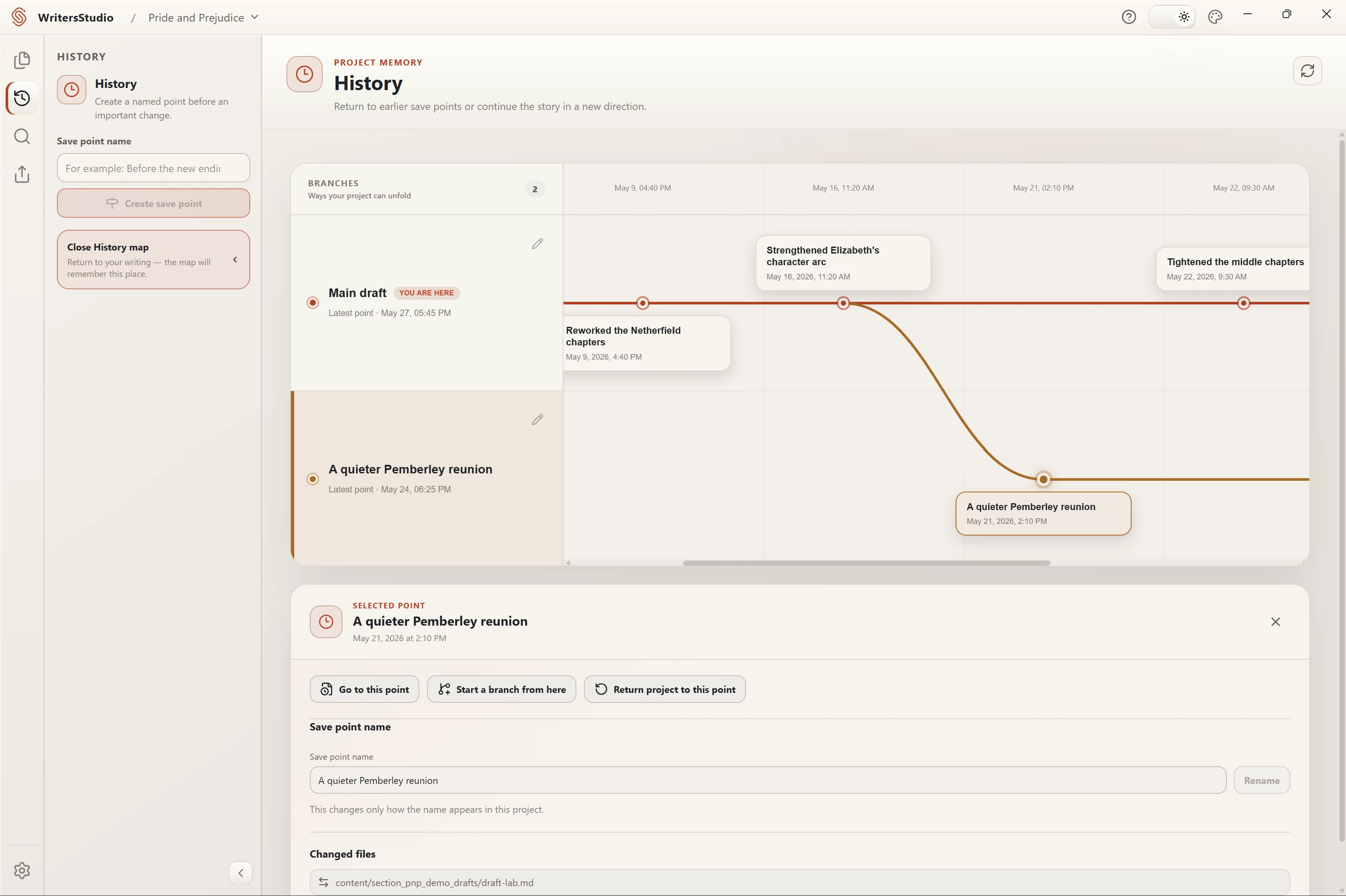
Write your manuscript and keep notes, characters, and a timeline in the same project. Autosave keeps your current work on disk; version history lets you revisit saved drafts and try another direction.

  • The desktop app is free and will stay free
  • Every project keeps its own version history
  • No account required
  • Works offline
Free for desktop

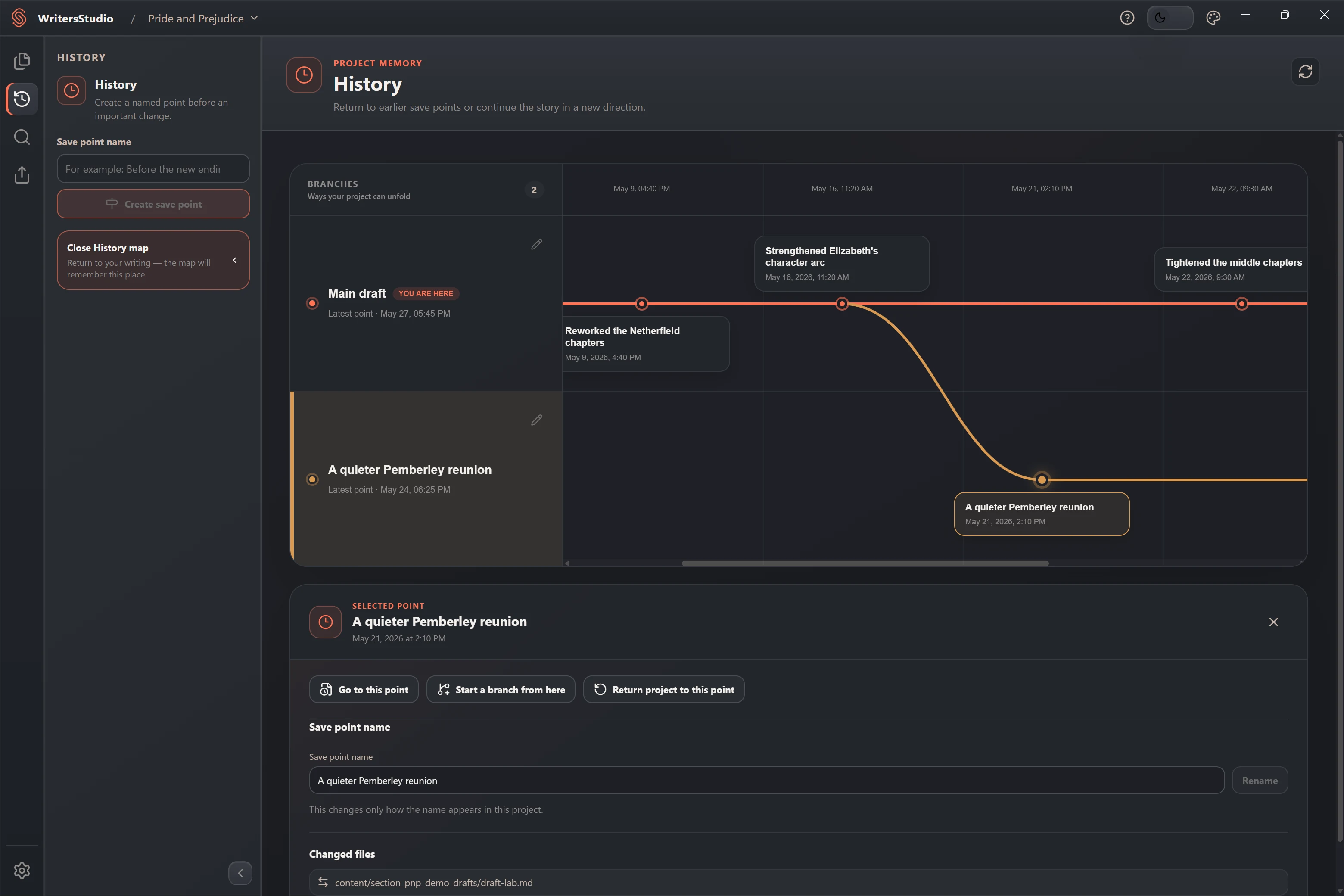
Illustrative demo. This revision history was created in WritersStudio; it is not an authentic record of Jane Austen's work on Pride and Prejudice.

See what is inside
Free desktop app No trial period or desktop subscription
Your project folder Each project lives in a folder you choose
Version history built in Automatic save points and separate drafts
DOCX · PDF · ZIP Markdown, DOCX, PDF, and ZIP

Manuscript, notes, characters, timeline

The manuscript is only
part of the project.

Keep chapters, research, character notes, and the story timeline in the same project. They stay separate when that is useful and remain easy to open side by side.

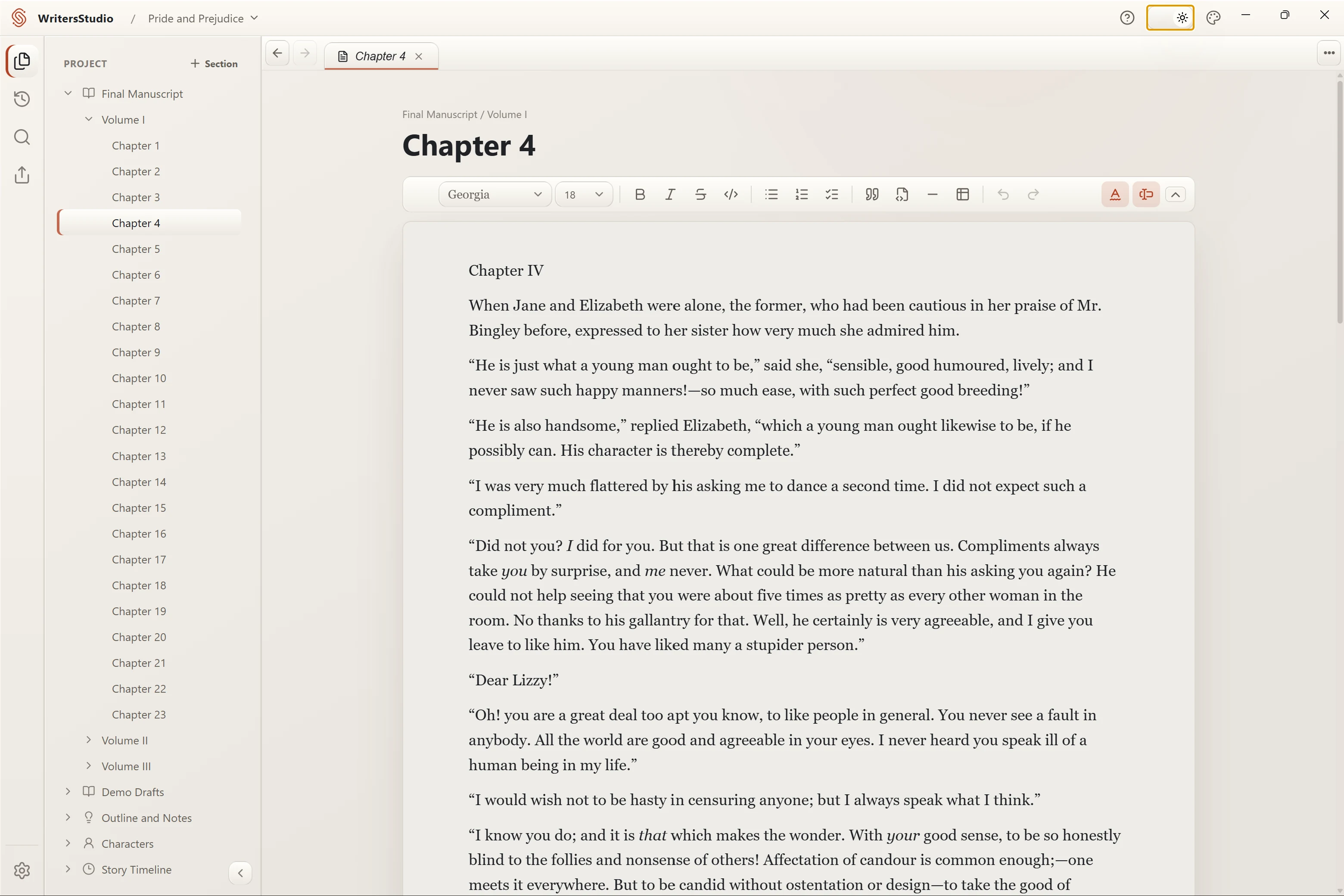
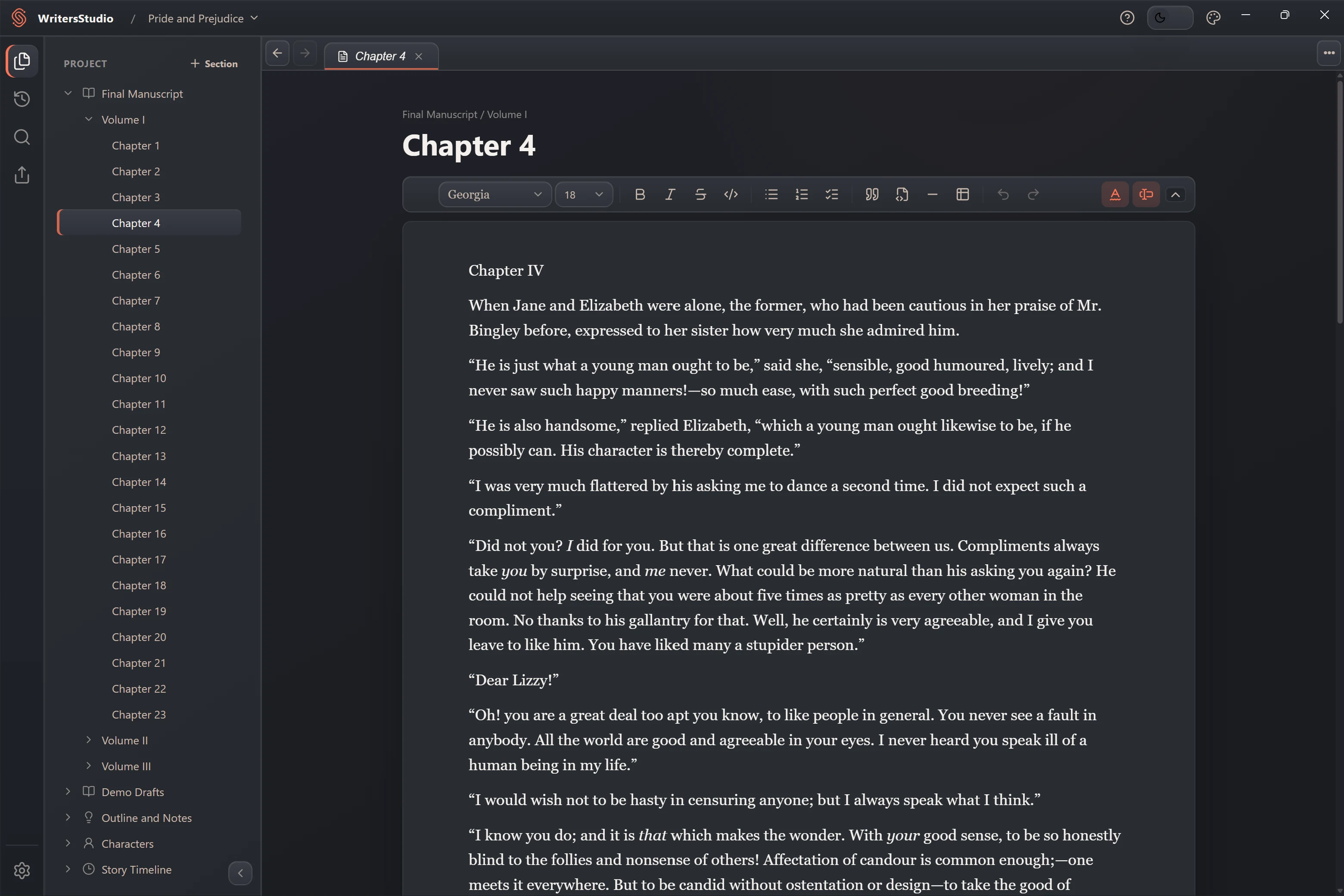
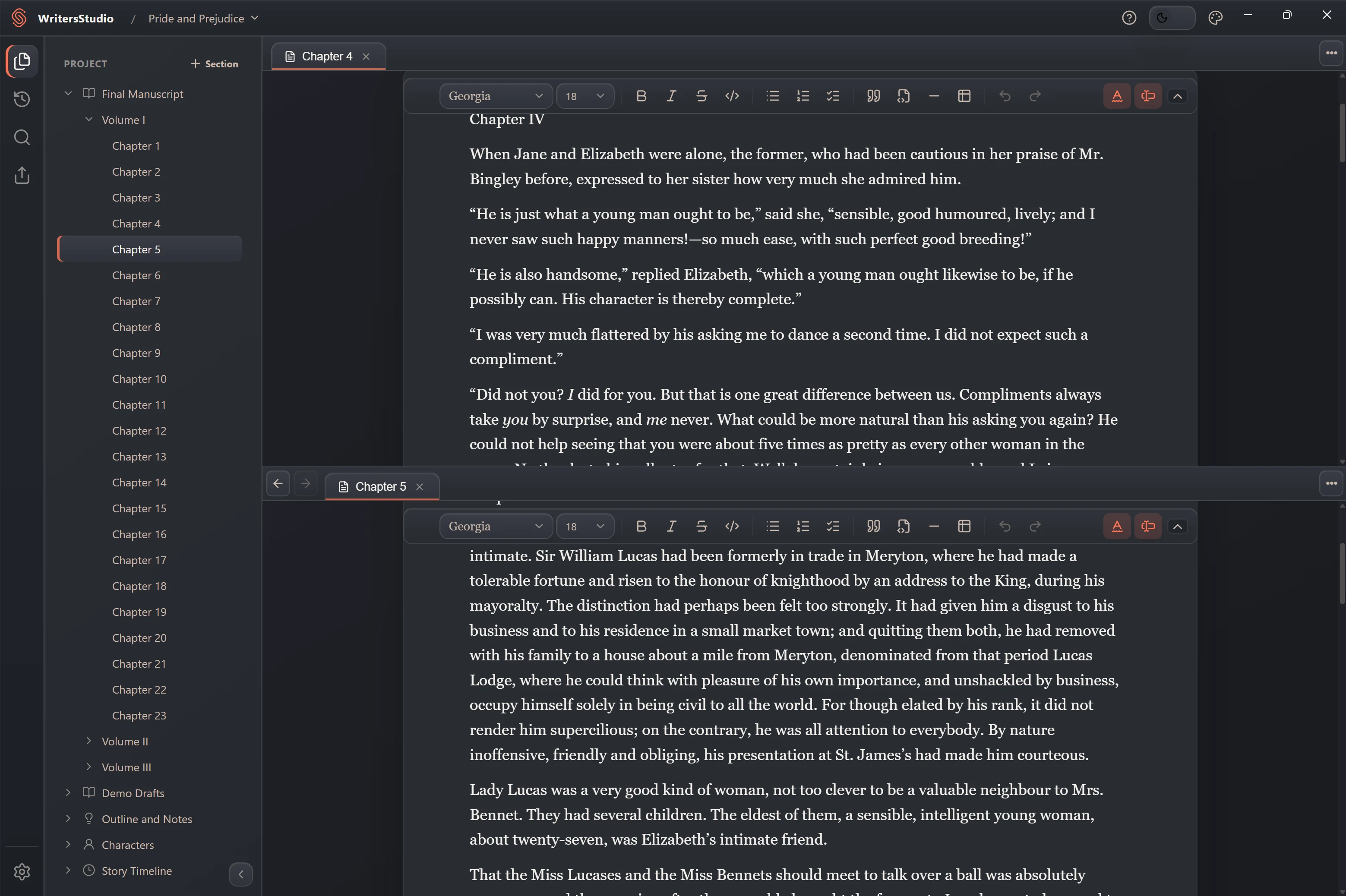
A chapter open in the visual manuscript editor A chapter open in the visual manuscript editor
Visual manuscript editor
01

Format your text. Keep it in Markdown.

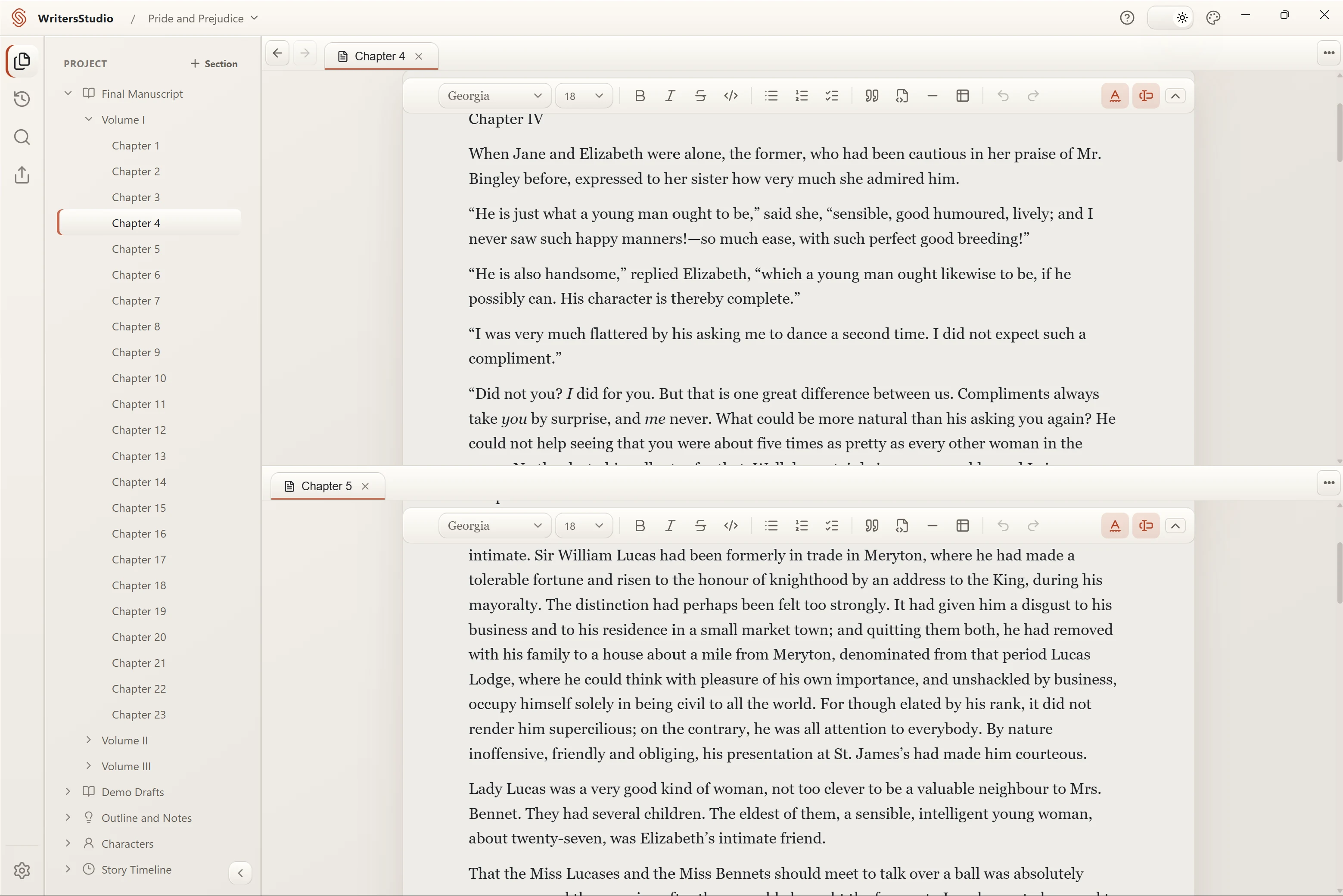
Write and format the manuscript without looking at markup. Open several pages in tabs, split the workspace, and search across the whole project.

  • Visual Markdown editing
  • Tabs and split views
  • Project-wide search
02

Folders and pages in the order you need.

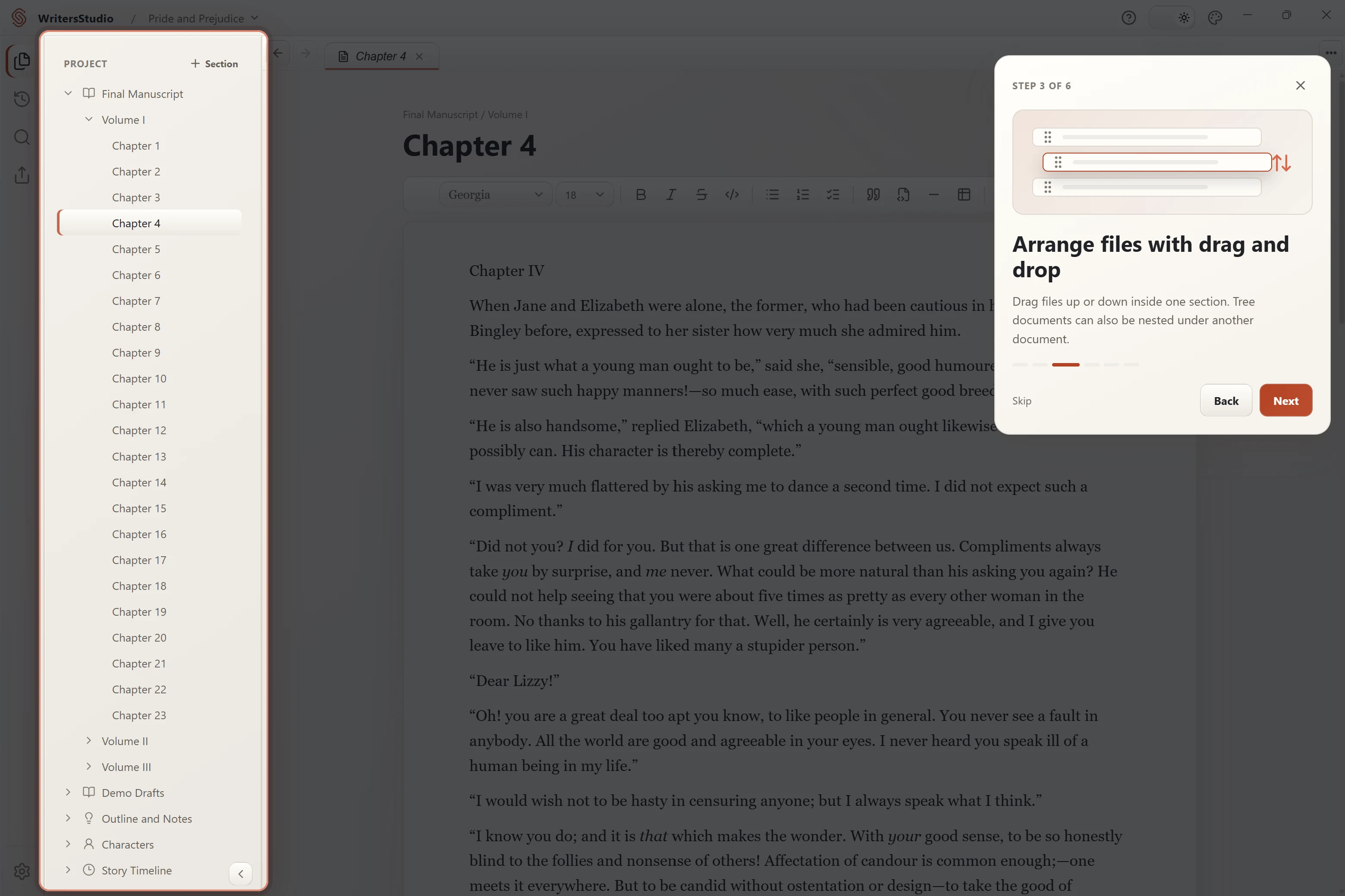
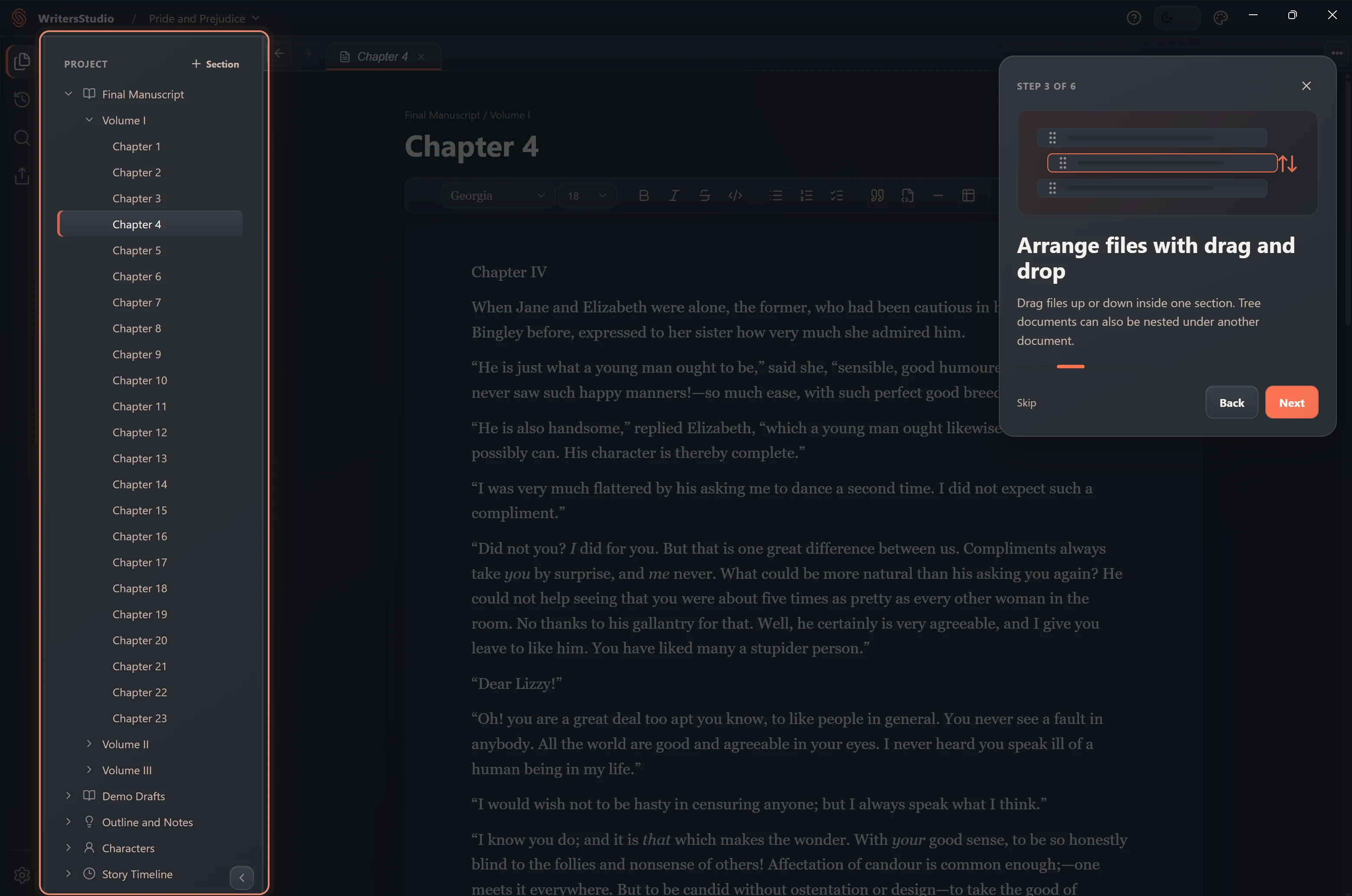
Use sections for volumes, chapters, research, loose scenes, or anything else. Drag pages into place and change the structure as the book changes.

  • Flexible sections and pages
  • Drag-and-drop project tree
  • Notes next to the draft
03

Character profiles with the details you need.

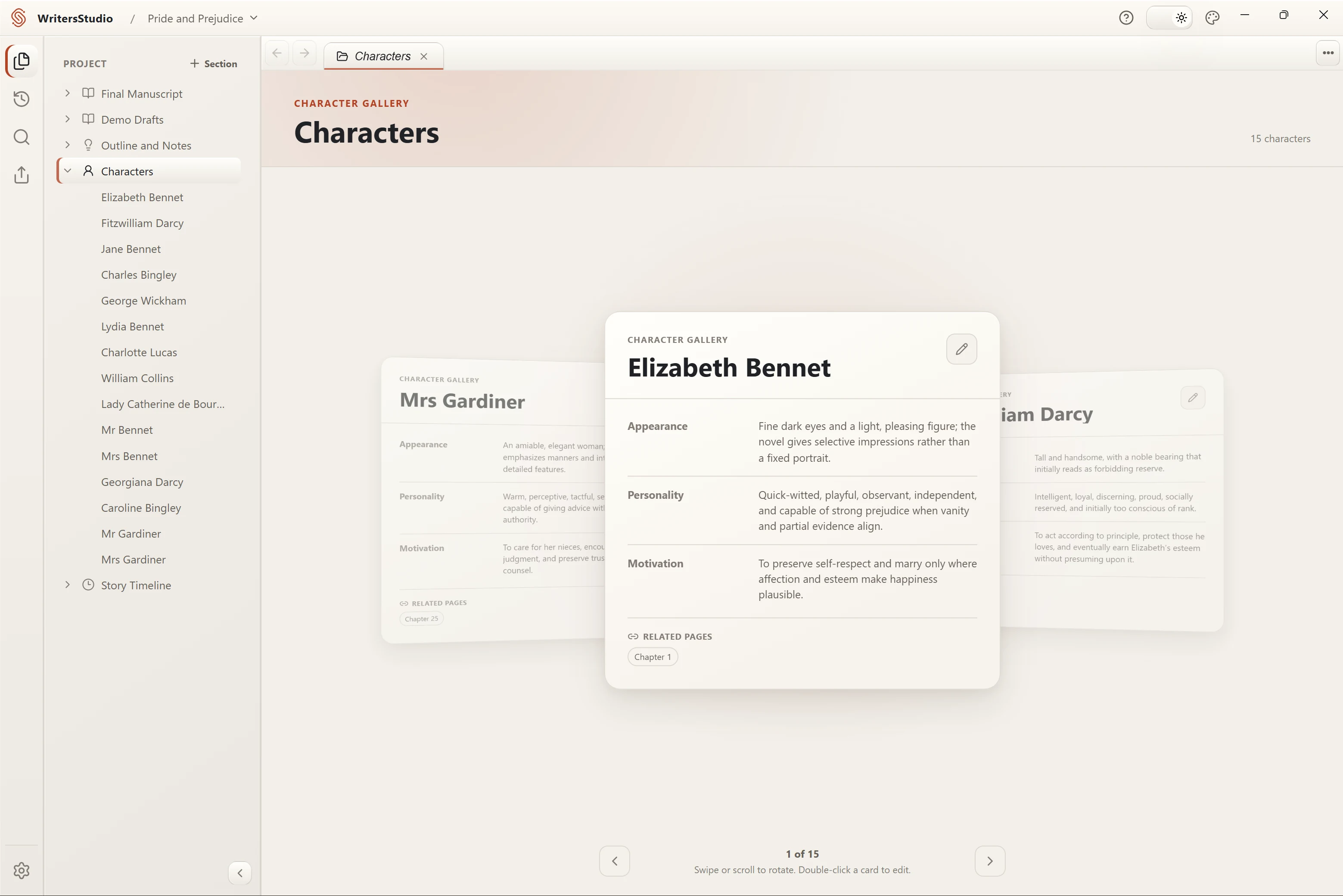
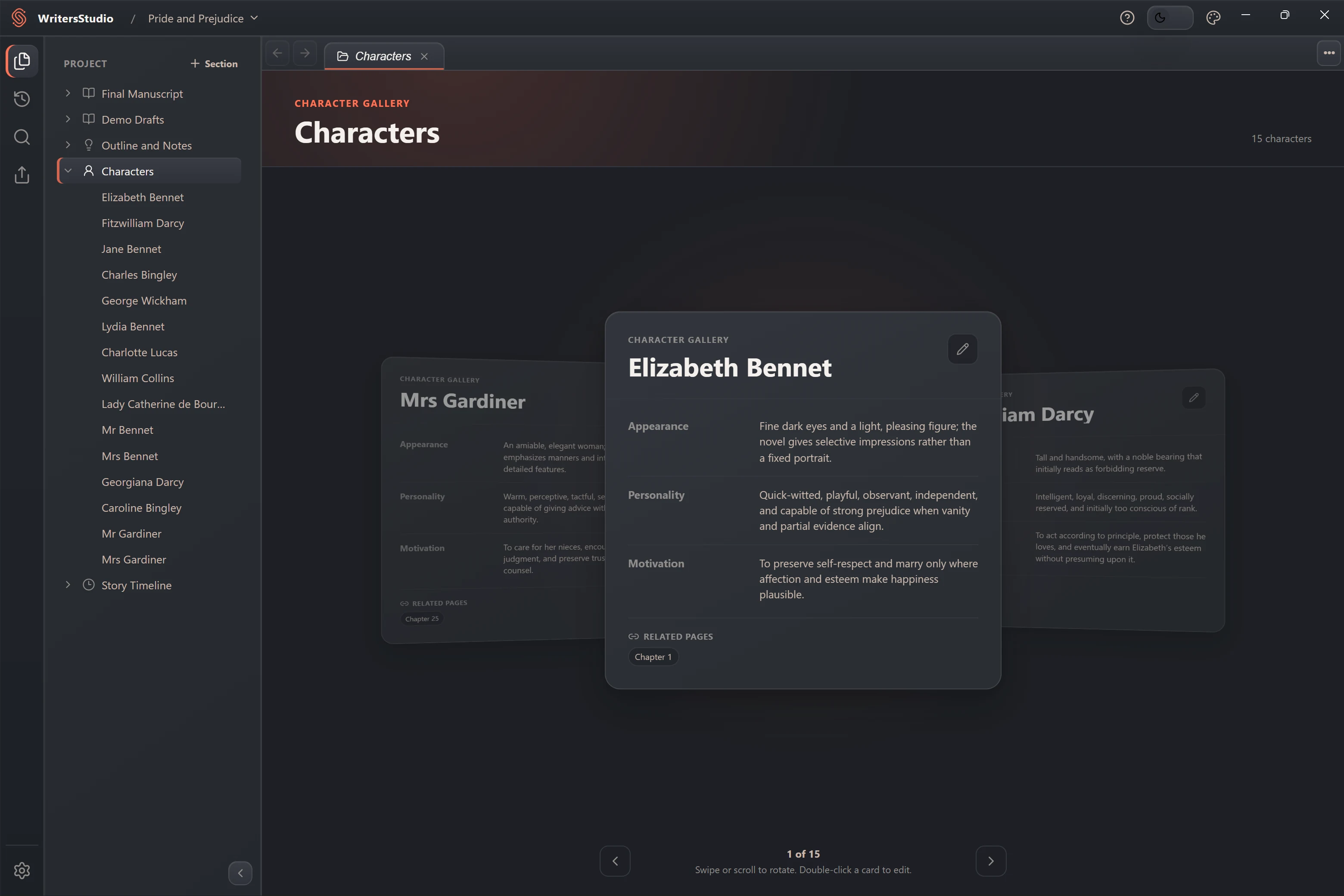
Add only the fields you need, keep portraits and notes together, and link a character to the manuscript pages where they appear.

  • Custom character fields
  • Related-page links
  • Fast gallery navigation
04

See what happens when—and where it leads.

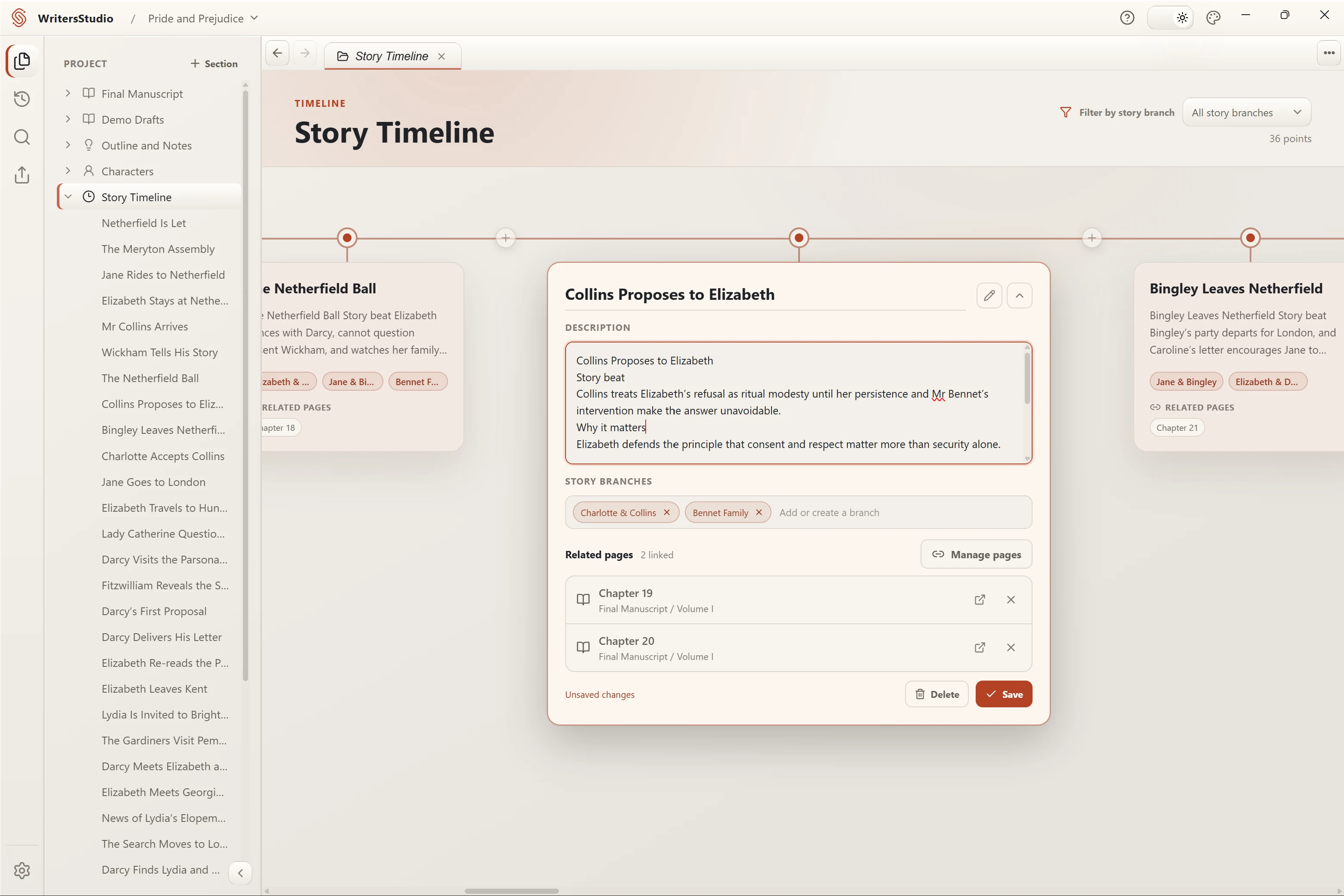
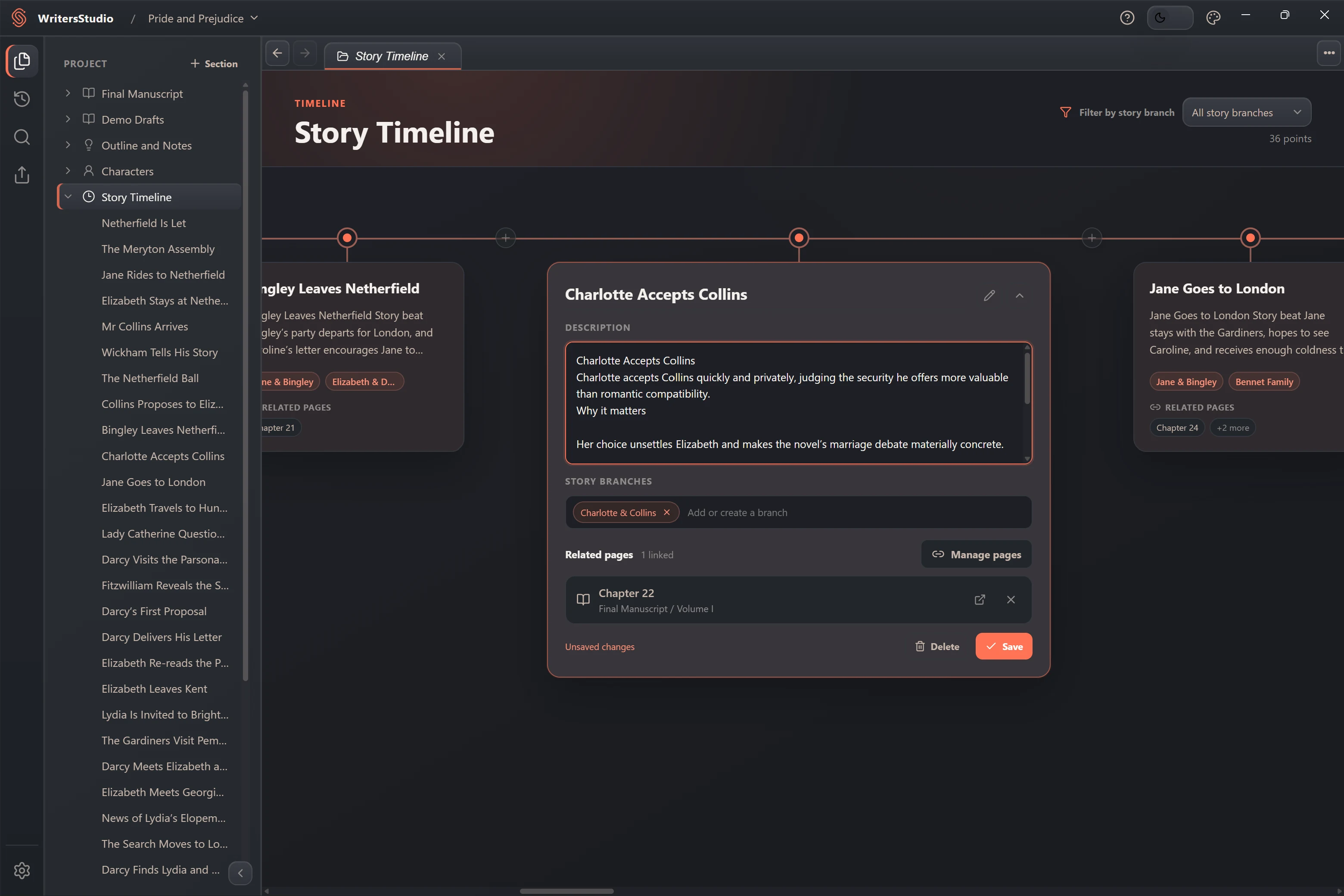
Place events in story order, filter them by narrative thread, and open the related manuscript page directly from the timeline.

  • Visual event timeline
  • Narrative-thread filters
  • Links back to the manuscript
Files on your computer

Pick a folder.
That is where the project lives.

WritersStudio does not require an account or an internet connection. A project stays in the folder you selected, where you can see it and back it up with any tool you already use.

You choose the location

Choose a folder on your computer or an external drive. Uninstalling WritersStudio leaves your projects in place. Keep a separate backup of important work.

Readable formats

The manuscript is stored as Markdown beside WritersStudio's project files. You can copy the whole folder whenever you like.

Copies you can take elsewhere

Export selected sections to DOCX or PDF, or make a ZIP copy of the entire project.

When one page is not enough

Put the scene and its context
on the same screen.

Open the timeline above a scene, or keep a character card next to the dialogue you are editing. Both panes remain part of the same project.

A visual story timeline and manuscript notes shown together in a split workspace A visual story timeline and manuscript notes shown together in a split workspace Timeline above · draft below

No trial period or subscription

Download WritersStudio.
The desktop app is free.

Install WritersStudio, choose a project folder, and start writing. No account is required.

Early access Windows beta · macOS in development

Checking official releases…

Windows beta

Latest available version

Windows x64 · beta installer without a digital signature

Requires Windows 10 or later and an x64 processor.

This beta installer has no digital signature. Windows may show an unknown-publisher or SmartScreen warning. Use the official download linked here. A checksum verifies the file but does not replace a digital signature.

Release information comes directly from the official GitHub repository.

PlannedCloud sync is planned for a future release

Optional cloud services

Sync between devices is planned.
The desktop app stays free.

A future optional Cloud service is planned for project sync and remote backups. It may be paid. Local writing will remain free and will work without Cloud. There is no release date yet.

Practical details

Common questions.

Is the desktop app really free?

Yes. There is no trial period and no subscription for the desktop app. It will remain free. The planned Cloud service may be paid, but it will be optional.

Do I need an account or internet connection?

No account is needed. Writing, search, export, and version history work offline. The app uses internet access to check for updates. It sends usage events only if you enable optional analytics; manuscripts are not included.

Where does my manuscript live?

In the project folder you chose. The manuscript is stored as Markdown alongside the files WritersStudio uses to describe the project.

Will uninstalling remove my projects?

No. Uninstalling the app leaves your project folders where they are.

Is WritersStudio open source?

No. The public release repository contains official installers and release notes, but not the application's source code.

Which platforms are available?

The first public beta is for Windows x64. macOS is in development and is not available yet.

Ready when you are

Start a new project
from scratch.

Choose Empty project when WritersStudio opens. Add chapters, notes, characters, and timeline events as you need them.

No trial · No account · Your files stay local

Help make this site better

May we use optional statistics to understand which pages and links are useful? Your choice does not affect the site or downloads.

No names, email addresses or document content. No advertising trackers or persistent visitor ID. Choose what to share, or continue without statistics.

Statistics are off until you choose.